Finora Transfer, Deposit, Withdrawal, P2P and Staking: Status-Gated Workflow
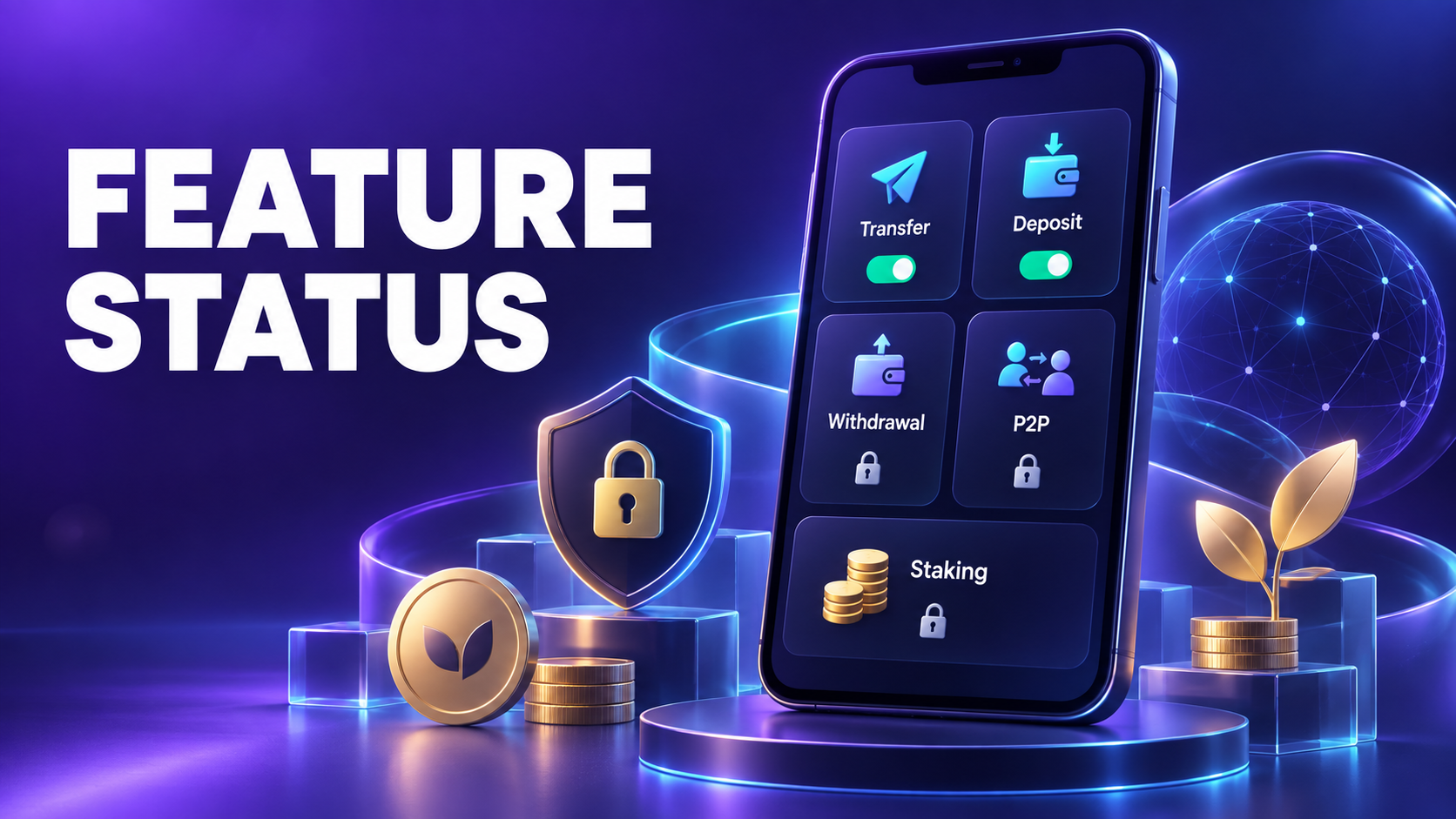
These are controlled, status-gated features and may be unavailable, restricted or future-facing depending on platform, region, account and current product policy. Finora’s public store description currently presents FNR as a virtual in-app reward and does not promise cash withdrawal, cryptocurrency trading or investment services.
Complete user workflow
Step 1: Check feature availability
The app first reads access flags, platform restrictions, country rules, maintenance state and account eligibility. A visible disabled card is not proof that a feature is live.
Step 2: Review the feature-specific terms
Transfer needs recipient validation; deposit needs an enabled payment route; withdrawal needs eligibility and review; P2P needs order rules; staking needs an enabled configuration.
Step 3: Complete required verification
Where genuinely enabled, OTP or KYC may be requested before a sensitive action can proceed.
Step 4: Submit once
Confirm the amount, destination, fees, limits and final summary, then submit a single request.
Step 5: Follow the state machine
A request can move through pending, processing, completed, cancelled, rejected or reversed states according to the feature.
Step 6: Reconcile the ledger
Use the dedicated history and transaction reference. Never rely only on a temporary success animation.
What each status means
| Status | Meaning and next action |
|---|---|
| Unavailable | The feature is not currently offered to that user. |
| Eligibility required | A prerequisite has not been satisfied. |
| Pending/processing | The request is not final. |
| Completed | The relevant ledger and feature record are final. |
| Rejected/reversed | The action did not remain completed; read the recorded reason. |
Before you continue
- Do not send funds based on screenshots or private messages.
- Do not treat future access as guaranteed.
- Check the official app state and published terms.
- Contact support before retrying a pending financial action.
Frequently asked questions
Does seeing a menu item mean the feature is active?
No. Availability is determined by the live access rules and final in-app status.
Does staking or conversion guarantee profit?
No. Finora does not present a displayed configuration or provisional rate as a guaranteed return or market value.
Related Finora guides
Reminder: FNR currently represents virtual in-app rewards. Nothing in this guide is a guarantee of cash value, investment return, exchange listing or future feature availability.