Finora KYC Verification: Requirements, Review and Status Workflow
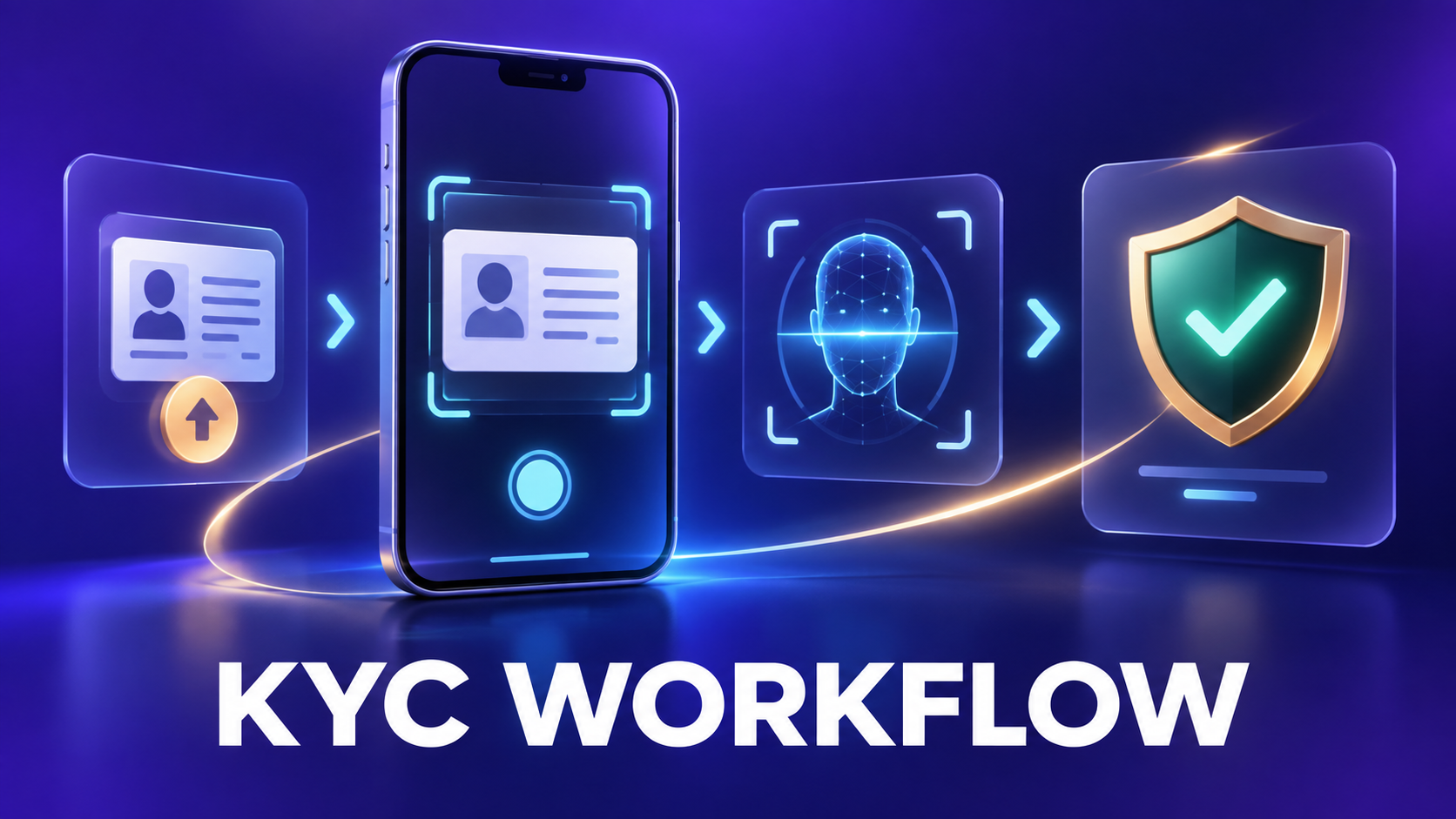
KYC should appear only when a currently enabled feature and applicable policy require identity verification. Users should rely on the live in-app explanation for the reason, required documents, fee if any, and data handling terms.
Complete user workflow
Step 1: Read the KYC gate
Confirm which action requires verification and whether KYC is currently available for the account and region.
Step 2: Review requirements and privacy information
Check accepted documents, image quality, liveness requirement, processing time and data-use explanation.
Step 3: Submit accurate documents
Use an unedited, readable document belonging to the account holder. Avoid glare, blur, cropping and mismatched profile data.
Step 4: Complete liveness if requested
Follow the on-screen camera instructions without another person, recorded screen or altered media.
Step 5: Wait for review
The status remains pending until automated or authorized review completes. Repeated submissions can delay resolution.
Step 6: Respond to the final state
Approved accounts can return to the gated action. A rejection should show a reason and whether resubmission is permitted.
What each status means
| Status | Meaning and next action |
|---|---|
| Not required | The current action does not need KYC. |
| Not started | No submission exists. |
| Pending | Review is in progress. |
| Approved | Verification passed for supported use. |
| Rejected/resubmit | The submission failed and may require correction. |
Before you continue
- Submit only through the official app.
- Never send identity documents in a public chat.
- Check why KYC is required before continuing.
- Do not pay an unofficial verification fee.
Frequently asked questions
Is KYC required for every Finora action?
No. It should be requested only for an enabled action whose current rules require it.
What should I do after rejection?
Read the stated reason, correct the specific issue and resubmit only if the app allows it.
Related Finora guides
Reminder: FNR currently represents virtual in-app rewards. Nothing in this guide is a guarantee of cash value, investment return, exchange listing or future feature availability.