Finora Wallet, Balances and Transaction History: Complete Workflow
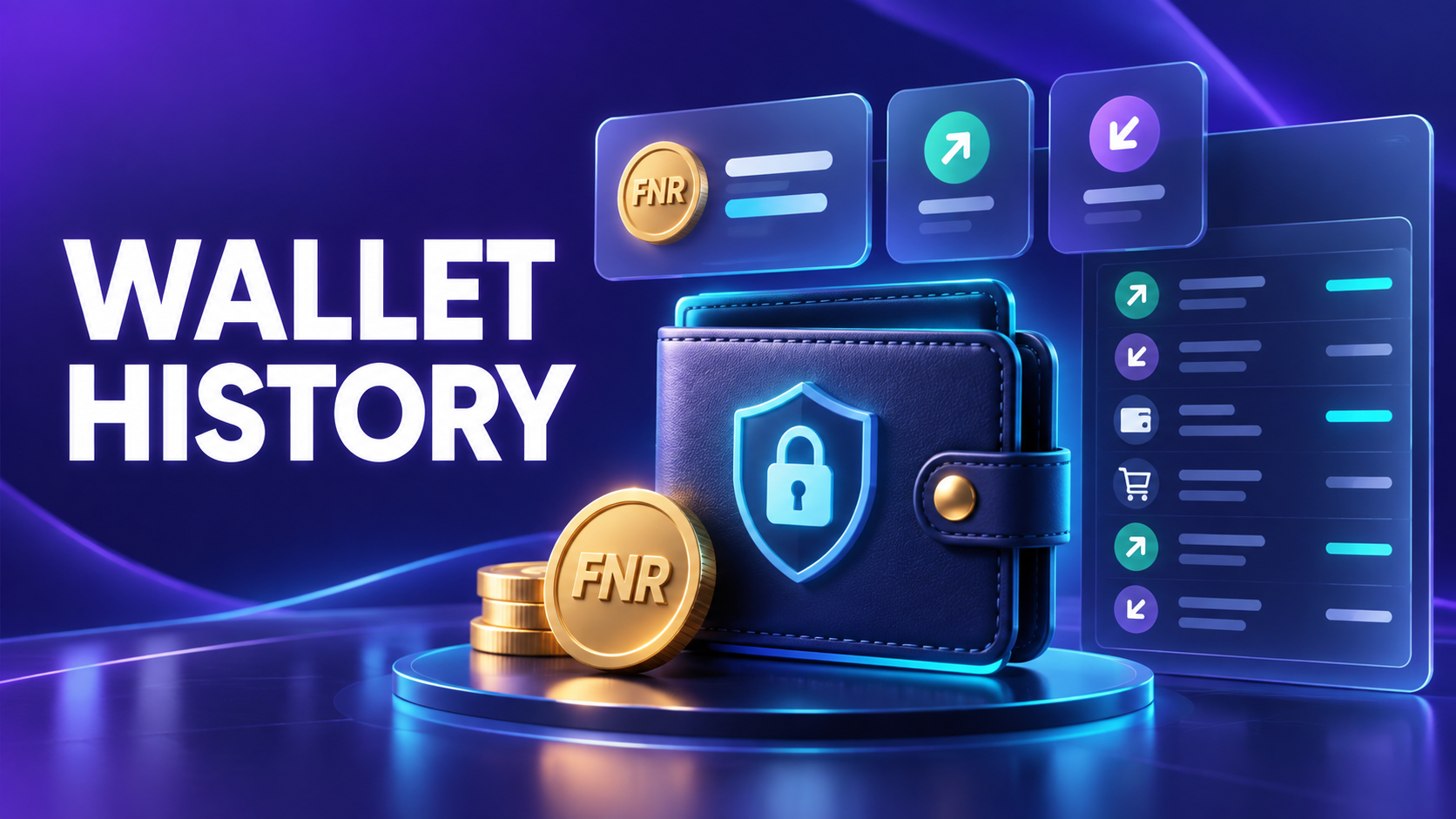
The Wallet brings several balances and records into one screen. Labels matter: virtual FNR rewards, reward points and any separately enabled payment balance should not be treated as interchangeable.
Complete user workflow
Step 1: Open and refresh Wallet
Allow the app to retrieve the latest server balances rather than relying on an older cached number.
Step 2: Identify each balance
Read the label beside FNR, RP or any separately enabled balance. Each can have different usage and availability rules.
Step 3: Choose Show or Hide
Use balance masking when other people can see the device screen. This changes display only, not the ledger.
Step 4: Open History
Filter or review entries for claims, tasks, commissions, purchases, adjustments and other supported actions.
Step 5: Read the transaction state
Amount, direction, type, date, status and reference explain how the displayed total changed.
Step 6: Report a mismatch accurately
Refresh once, avoid repeating the action, and send support the transaction reference, time and expected result.
What each status means
| Status | Meaning and next action |
|---|---|
| Pending | The action started but is not final. |
| Completed | The ledger accepted the final entry. |
| Failed | No final credit/debit completed. |
| Reversed/refunded | A previous entry was offset by a recorded correction. |
Before you continue
- Treat the server ledger as authoritative.
- Do not confuse virtual FNR with cash.
- Keep references private except with official support.
- Never retry a pending debit repeatedly.
Frequently asked questions
Why does my visible balance differ from an older screenshot?
A later claim, purchase, adjustment or refreshed server record may have changed it. Use transaction history to reconcile the difference.
Does a provisional conversion display establish a market price?
No. A provisional in-app display is not an exchange listing or guaranteed cash value.
Related Finora guides
Reminder: FNR currently represents virtual in-app rewards. Nothing in this guide is a guarantee of cash value, investment return, exchange listing or future feature availability.