Finora Team, Referrals and Commissions: Complete Workflow
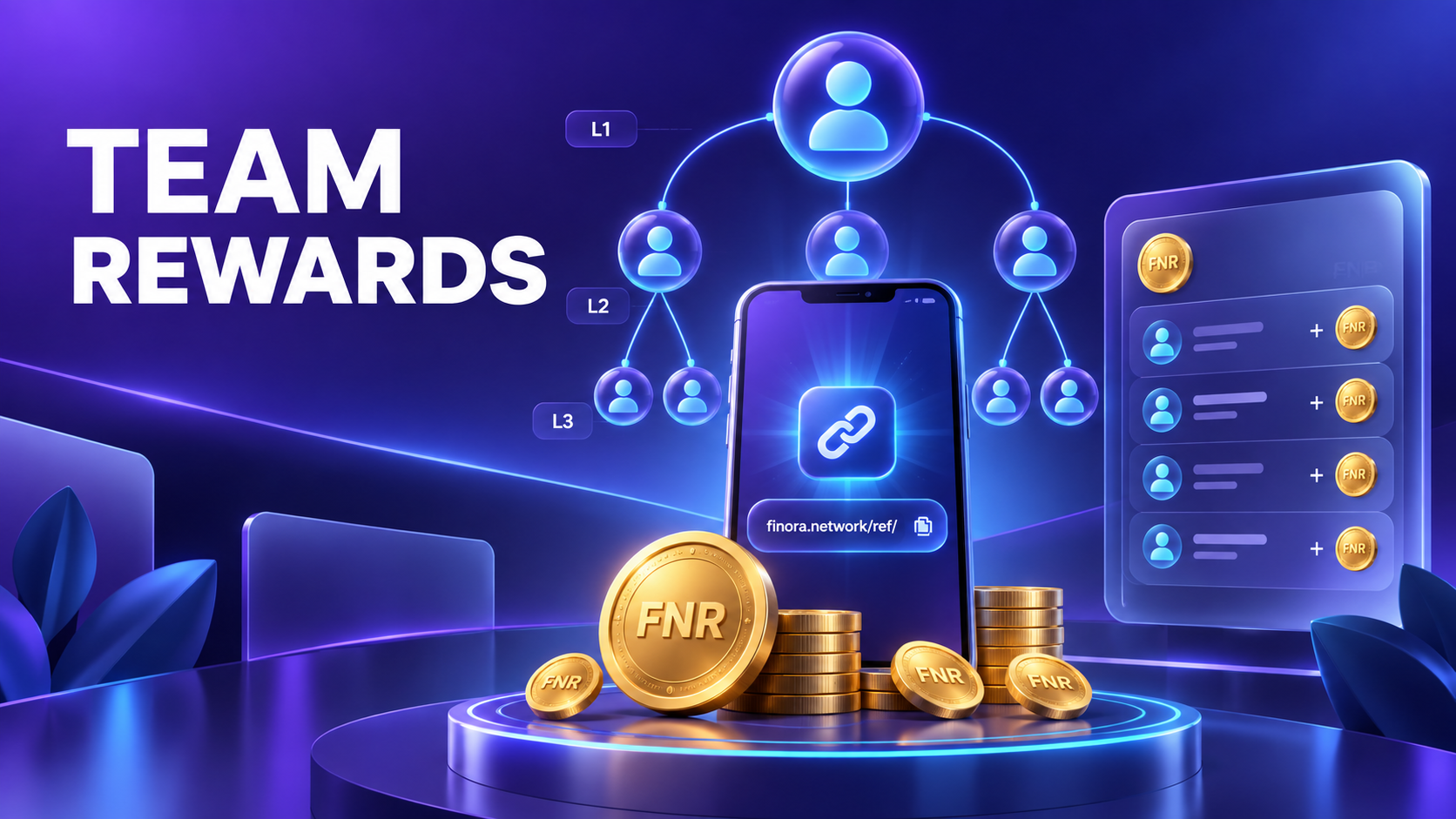
The Team area connects a user’s referral link, qualified network activity, configurable rewards and team statistics. Values shown inside the live app are the source of truth because referral and commission settings can change.
Complete user workflow
Step 1: Copy the personal referral link
Open Team and use Copy or Invite. The referral identifier in that link connects a valid new registration to the inviter.
Step 2: The friend registers correctly
The new user must open the correct link and complete registration. Existing or duplicate accounts may not qualify.
Step 3: Qualification is evaluated
Finora applies current activity and anti-abuse rules before counting a referral as eligible for a bonus, boost or commission.
Step 4: Team levels update
Direct referrals form Level 1. Deeper eligible connections can appear as Level 2 or Level 3 according to the configured tree rules.
Step 5: Commission accrues
Eligible team activity can create a claimable commission entry using the current level percentages.
Step 6: Claim and verify
Use Claimable Commission, then confirm the new ledger entry and updated claimed total.
Step 7: Review team tools
Friends List, Milestones, Mining Statistics and Referral Leaderboard provide different views of the same verified network activity.
What each status means
| Status | Meaning and next action |
|---|---|
| Invited | A link was shared; no registration is confirmed yet. |
| Registered | An account used the referral path. |
| Qualified | Current eligibility rules were satisfied. |
| Commission pending | Eligible value is recorded but not yet claimed. |
| Claimed | The ledger credit completed. |
Before you continue
- Never create duplicate or self-referred accounts.
- Treat app-displayed percentages as current.
- Do not promise fixed lifetime income.
- Use the leaderboard as activity data, not a value guarantee.
Frequently asked questions
Why is a friend missing from my active total?
Registration alone may not satisfy the current qualification rule, or the referral link may not have been recorded.
Are level percentages permanent?
They are configurable. Always read the current values displayed in the app.
Related Finora guides
Reminder: FNR currently represents virtual in-app rewards. Nothing in this guide is a guarantee of cash value, investment return, exchange listing or future feature availability.